Rectangles
Upload an image file and press [generate]!
Notes:
This will resize your image to 256x256.
The imprecision slider goes from 14 to 18 and represents the average difference between the color of each pixel in the original image and in the resulting image, measured as a sum of the differences between color channel values.
The clarity slider goes from 1 to 2 and controls the exponent to which each individual pixel difference is raised. When it is higher, it will therefore prioritize large color differences in smaller areas more (as a small inaccuracy in a wide spread of color increases less when squared than a large inaccuracy in a small part of the image).
The pool size slider goes from 64 to 1024 (exponentially) and controls the amount of candidate rectangles are generated per generation, from which one of the best is selected, evolved, and added to the image.
Try regenerating your image with higher settings if it is not precise enough, or with lower settings if it is taking too long to generate.
You can also use this tool on rectsarefun.surge.sh.
This was inspired by Spu7Nix's video about creating video from objects in Geometry Dash.
Thank you for trying this out!
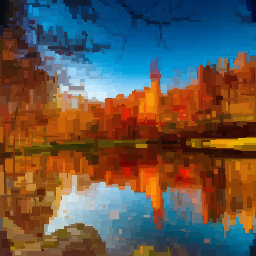
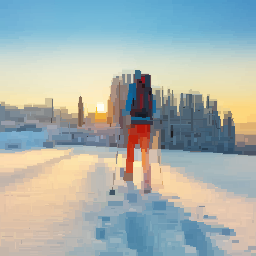
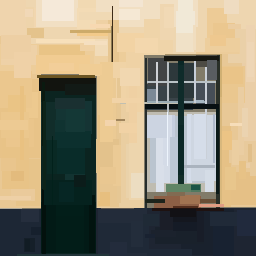
Leave a comment
Log in with itch.io to leave a comment.